
Phishing on Facebook
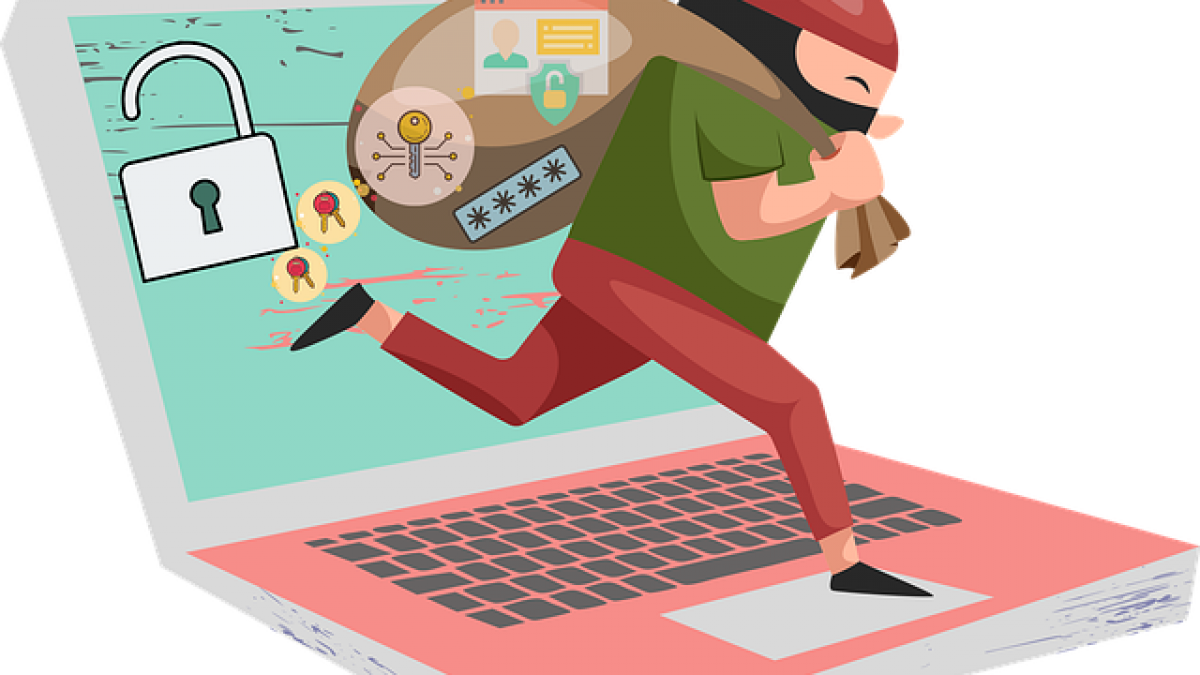
Phishing is a common form of online fraud in which criminals try to steal personal information. Facebook’s billions of users make it a popular target. Here are examples of how it happens and how to protect yourself.
Example 1: Fake friend requests
You receive a request from someone who is already your friend. A scammer has copied that person’s profile and is trying to trick you into sharing personal information.
Tip: Check new friend requests carefully. If you are already connected to the person, report the duplicate profile to Facebook.
Example 2: Suspicious links
A message or post contains a link to an unfamiliar website. It may lead to a phishing page that looks like Facebook and asks you to log in.
Tip: Avoid links from unknown sources. Enter the website address yourself in the browser instead.
Example 3: Fake competitions
A post offers a large prize and asks you to follow a link and enter your Facebook login details to participate.
Tip: Be sceptical of competitions that seem too good to be true. A legitimate business should not ask for your Facebook password.
Enable two-factor authentication
Two-factor authentication adds another layer of protection. In the interface described in this guide:
- Open Facebook settings.
- Select “Security and login”.
- Find “Two-factor authentication” and click “Edit”.
- Choose the authentication method and follow the instructions.
- Click “Enable” or “Save” to confirm.
Your account is now better protected against unauthorised access. This improves security, but does not prevent criminals from continuing to try.
Need help configuring your Facebook account? Contact us and we will help you set it up properly.