
How to add a popup to your website
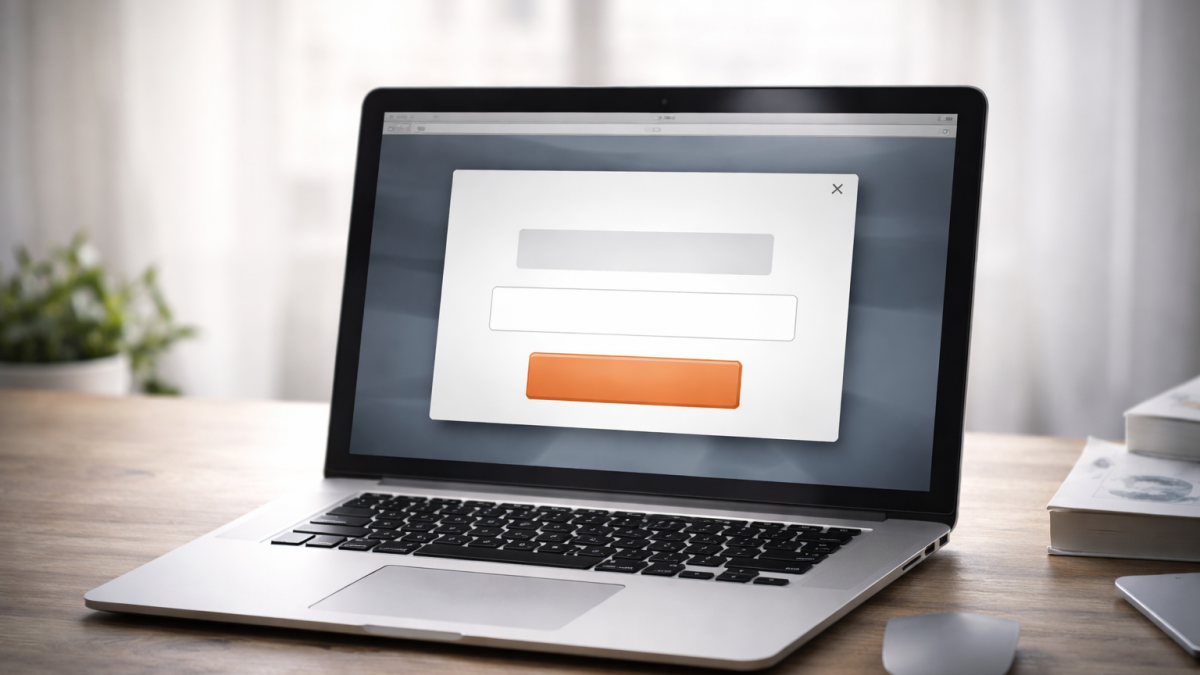
Popups are a simple, effective way to attract visitors’ attention and guide them towards important actions. Our website management system lets you create and manage them without technical knowledge.
Why use a popup?
- Draw attention to important messages or actions.
- Increase conversions, such as sign-ups, downloads and purchases.
- Highlight temporary promotions or offers.
- Encourage visitors to stay and act.
- Communicate important updates directly.
When should it appear?
Choose a trigger that suits your goal:
- As the page loads: Suitable for a major promotion, announcement or update every visitor should see immediately.
- After a delay: Wait a few seconds to avoid interrupting visitors immediately. Useful for newsletter sign-ups and offers.
- When leaving the page: An exit-intent popup can show a last-minute offer, discount code or reminder.
How do you create one?
- Add an article, image or other element as you normally would on a page.
- Select a “Popover” location: centre, left or right, depending on the layout. For example, place an image on the right and text on the left.
- Your popup is ready.
How do you set its timing?
Use the template settings:
- Open the page containing the popup.
- Open the template settings.
- Complete “Popup timeout” with a value in milliseconds: 1,000 ms equals one second. To trigger it when a visitor leaves, enter “exit” instead.
Exit intent does not work on touchscreen devices.
Need help?
For help configuring or improving a popup, contact us.
This functionality may not be available in every template or installation. If you cannot see the option, let us know and we will look into it with you.